$HOME/local/lib/rhino3d and copied
the DLL imagehlp.dll from my Win2K installation into that
directory.
rhino to start Rhino from
the above directory:
#!/bin/bash
cd $HOME/local/lib/rhino3d
"/home/felix/local/lib/cxoffice/bin/wine" --dll imagehlp=native \
"C:/Program Files/Rhinoceros/System/Rhino.exe" -- \
# --cx-log $HOME/local/lib/rhino/rhino3d.log
rhino shell script it will
complain about a missing JScript engine and one or two plugins won't therefore
be able to load. If you get a dozen or so messages about missing plugins and
Rhino will terminate immediately after starting, then CrossOver Office probably
doesn't find the above imagehlp.dll. In this case verify the script
and the location of that DLL.
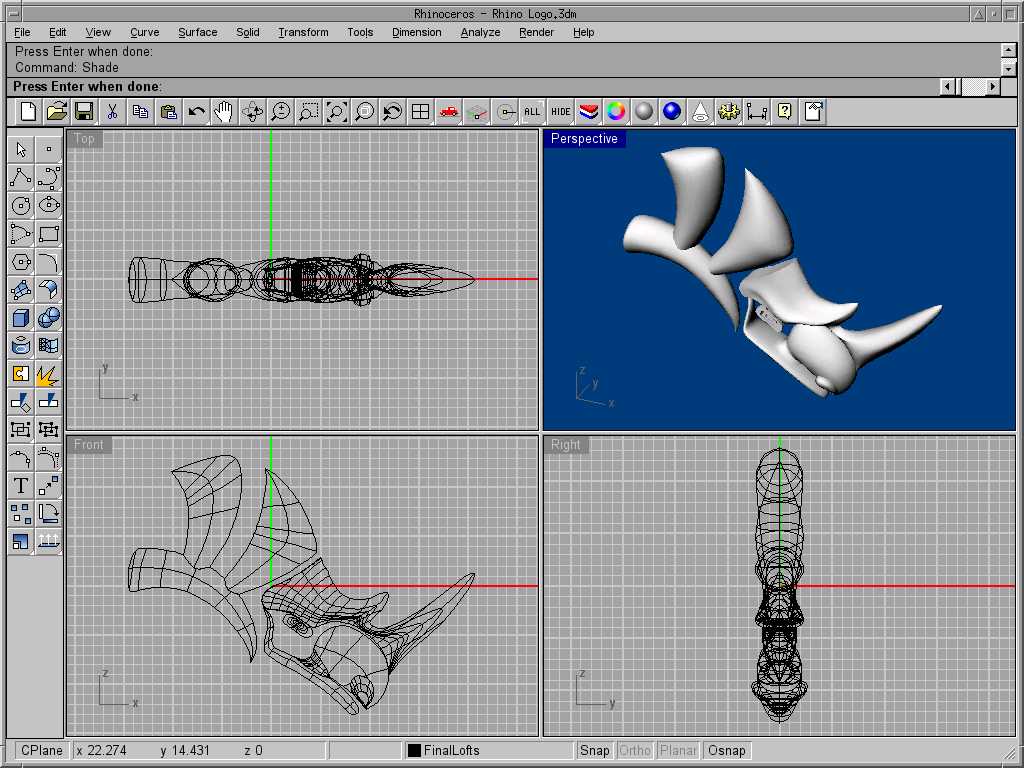
Rhino runs reasonably well and fast on my machine (as of this writing a 550 MHz Celeron powered laptop with 192MB ram and a non-3d 4MB graphics chip). There are however some minor interface quirks and some dialogs cause Rhino to crash. In addition the online help system does not work. So, for intense use it's probably not a good idea to run Rhino under CrossOver Office. For occasionally viewing a file and for small projects it seems to be applicable though.
Oh, and I also did a screen shot.